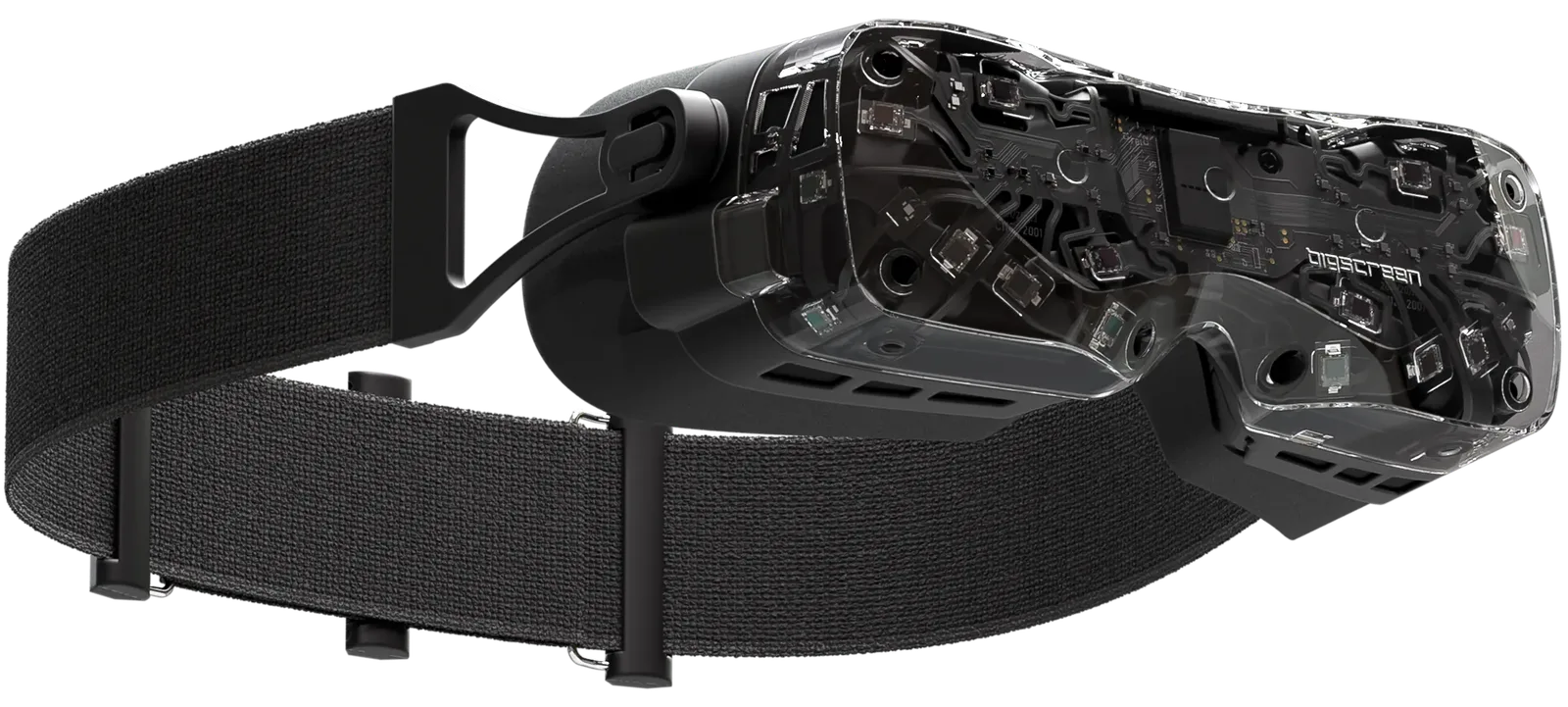
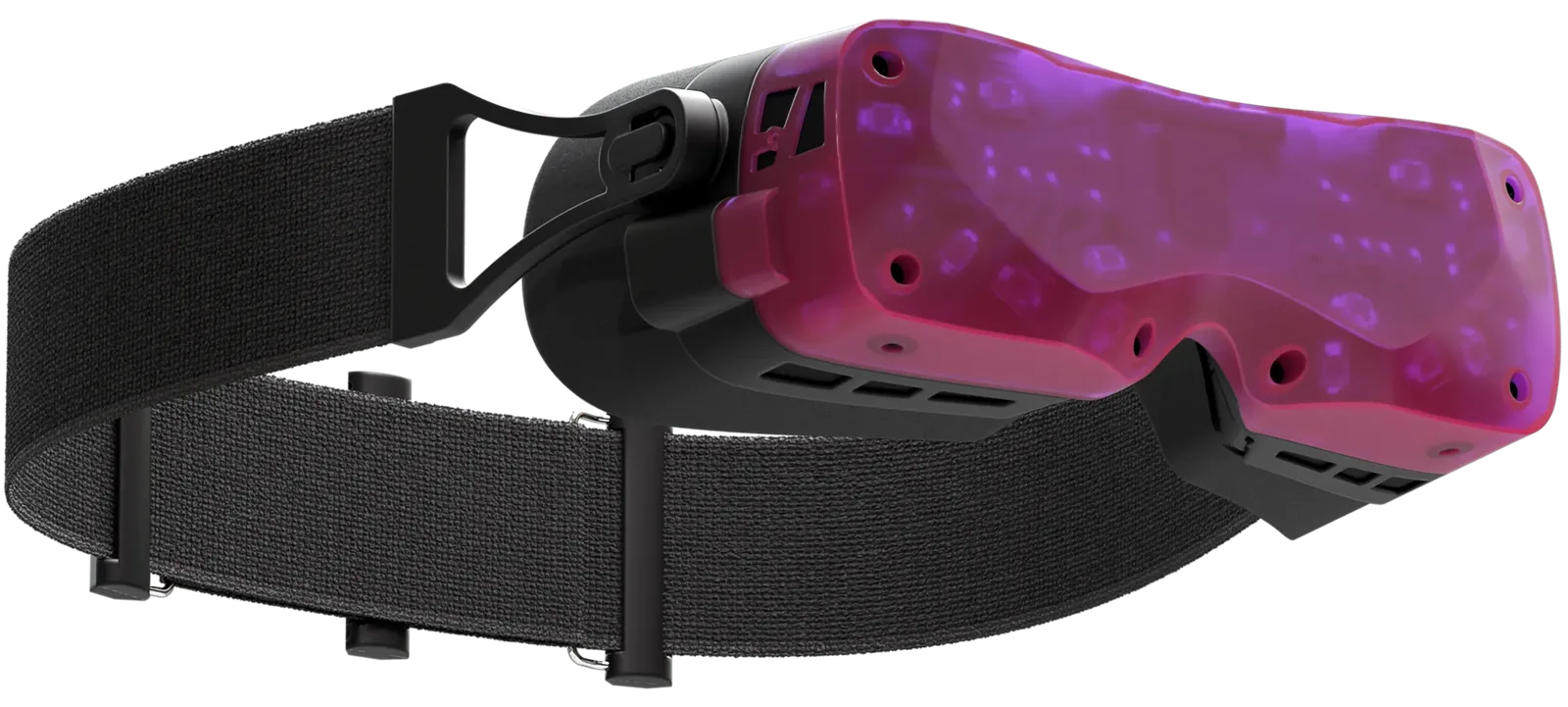
A close look at what makes Beyond’s displays so sharp, from resolution and pixel density to a clear answer on the compression, DSC, and 75Hz vs 90Hz confusion, and what it all means for what you see.
Display specifications
2-3x higher resolution
Beyond’s breakthrough displays are 2-3 times higher resolution compared to other headsets such as the Meta Quest 2 (1920×1832 per eye) and Valve Index (1440×1600 per eye). With pixels just 7.2 µm wide, you can see more detail than ever before with no screen door effect.
Resolution
5120 × 2560
Contrast ratio
500,000:1
Refresh rate
up to 90 Hz
Peak pixels per degree (PPD)
32
Lifelike visuals with OLED technology
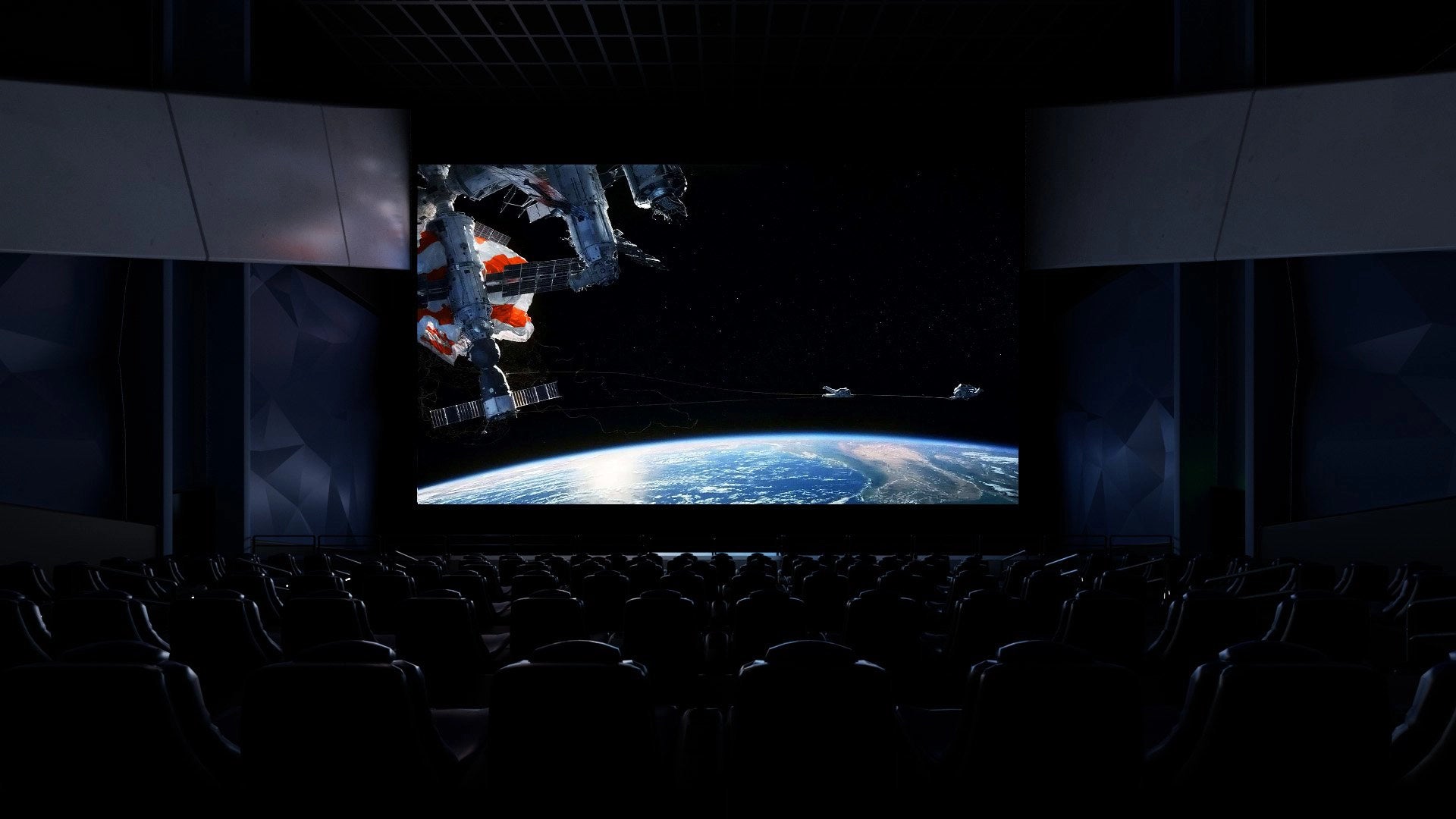
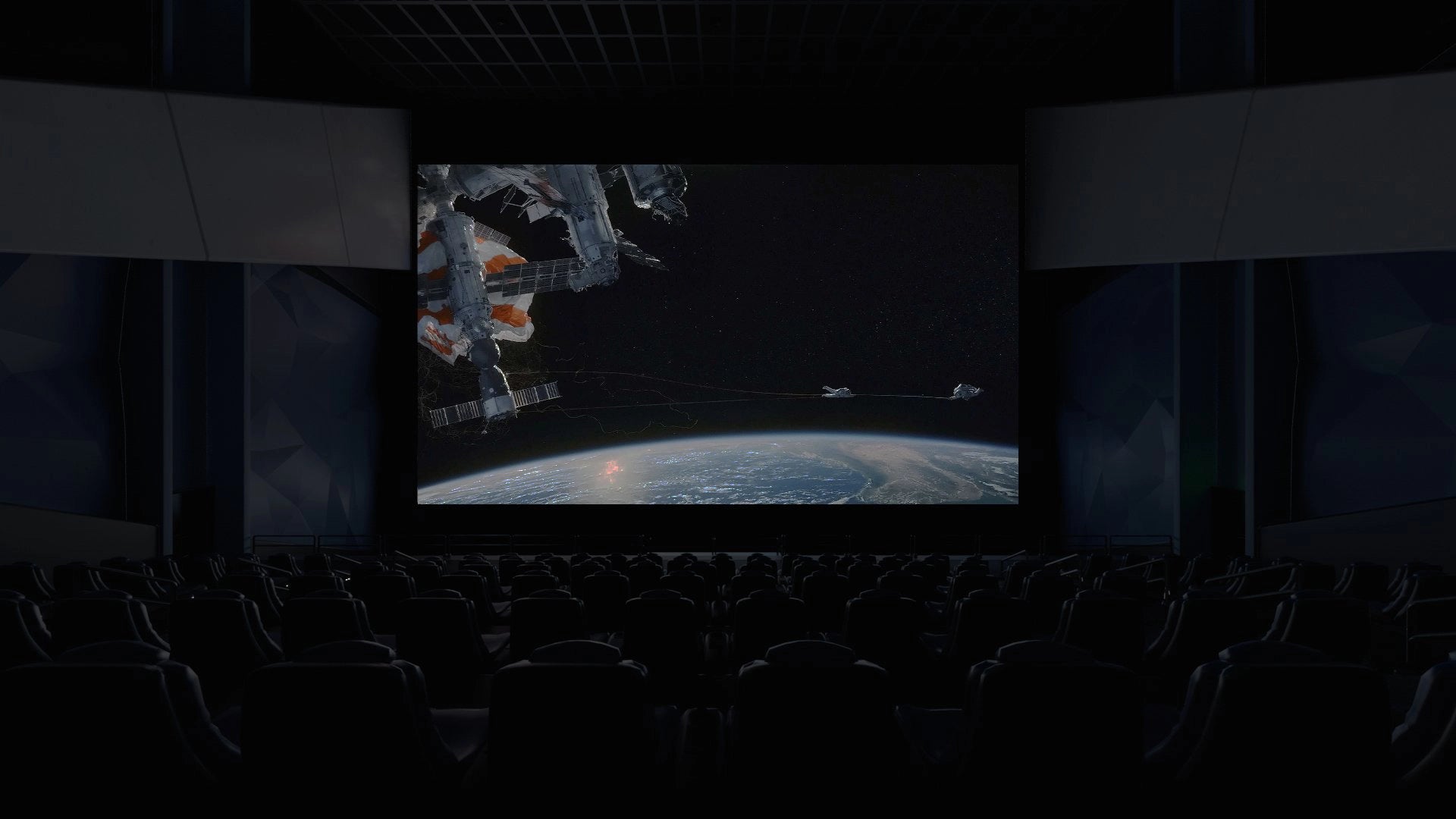
OLED displays are key for creating a VR experience that feels like reality. With a 500,000:1 contrast ratio, you get lifelike visuals in Bigscreen Beyond. On other headsets with LCD displays, shadows and dark scenes don’t look real and appear muddy and grey. With OLED, you see true pitch black and detailed shadows.
Traditional headsets’ LCD displaysBigscreen Beyond’s OLED displays
90Hz on OLED feels like 120Hz on LCD
OLED technology has far superior response times (measured in microseconds) compared to LCD displays, which can take milliseconds to go from light to dark. This difference in latency means OLED feels smoother and more responsive in usage. People accustomed to 120Hz on an LCD-based VR headset will be surprised to discover how smooth a 90Hz OLED headset feels.
Through the lens
Get a glimpse of the stunning fidelity
Photos don’t do Beyond justice as it’s impossible to replicate the human eye. Camera sensors and lenses introduce artifacts that the human eye doesn’t see. However, the photography below will give you a taste of what to expect.
This is a wide angle shot through the lenses of Bigscreen Beyond. You can see the edges of the lens in the corners. Cameras can never perfectly replicate the human eye, so aliasing, moire, and camera artifacts may appear here that are not present in VR.
Common misconceptions about resolution at 75Hz vs. 90Hz
At 5120×2560 across two 8-bit displays at 90Hz, Bigscreen Beyond requires more bandwidth than DisplayPort 1.4, display controllers, and MIPI can carry raw. So at 90Hz, Beyond uses Display Stream Compression (DSC), a lossless technique commonly found in gaming monitors. SteamVR first renders content at a user-configurable 3K to 4K per eye, called supersampling. DSC then compresses the signal to 1920×1920 per eye, and a built-in hardware upscaler restores it to 2560×2560 on each display. At 75Hz no compression is needed, and the image is displayed directly at 2560×2560 per eye.
Regardless of refresh rate, Beyond’s displays always operate at their full resolution of 2560×2560 per eye.
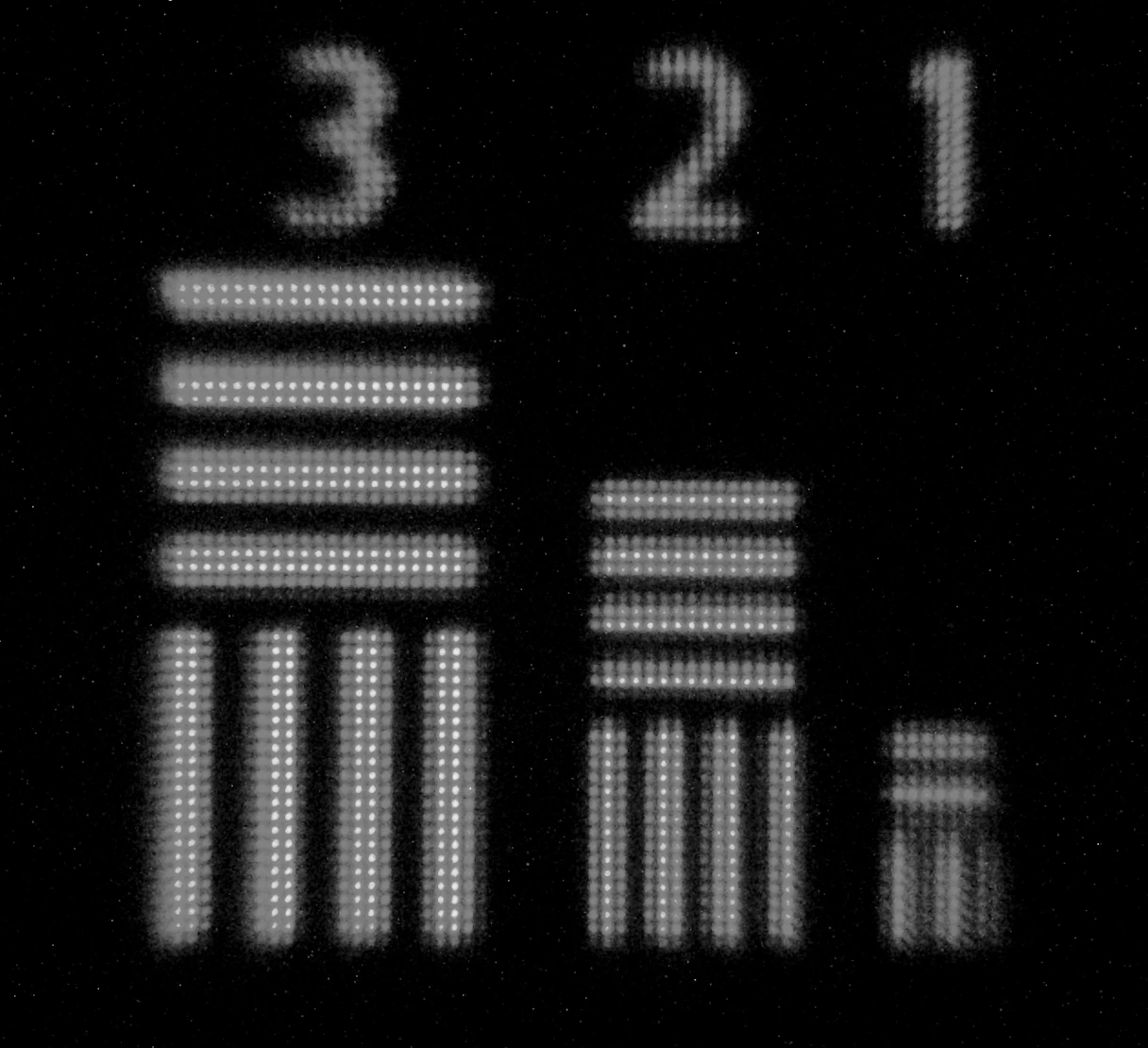
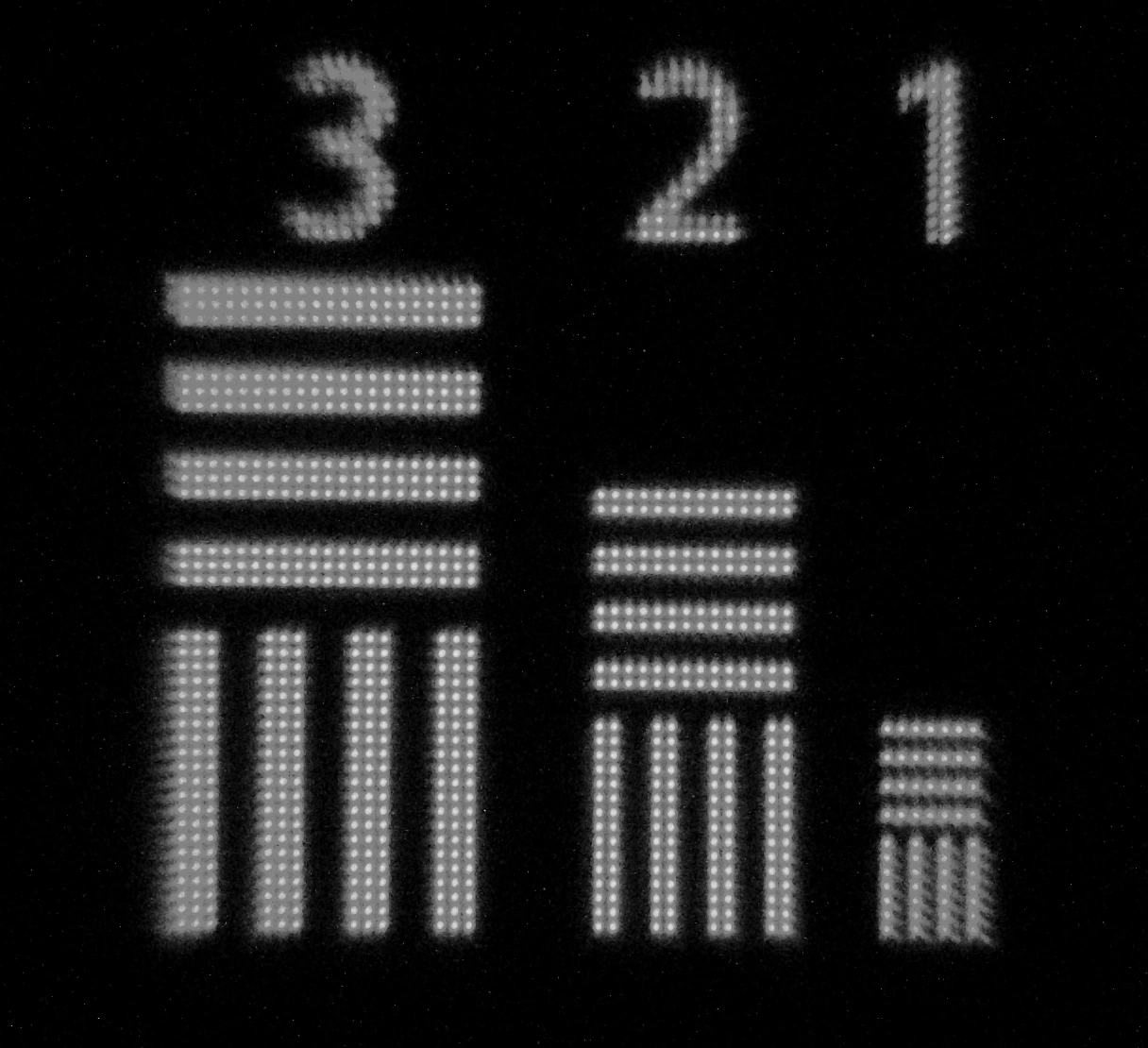
The remaining difference between 75Hz and 90Hz is a minor sharpness difference in fine detail such as text. 75Hz mode is best for watching movies or reading, and 90Hz is best for gaming. The photos below compare the two.
75Hz90Hz
A 100mm macro lens photographing each pixel at 75Hz and 90Hz. Fine details are sharp at both refresh rates; the difference is barely perceivable by the human eye.
The same flower scene under the macro lens. Sharpness holds at both refresh rates.
The difference in sharpness between 75Hz and 90Hz
The compression and upscaling at 90Hz is primarily noticeable in fine text. Below is a human eye view of a grid of text across the entire field of view of Beyond: the worst case scenario, and the hardest test of 75Hz vs. 90Hz.
75Hz90Hz
Under the macro lens, the smallest text is slightly sharper at 75Hz. This is the one place the difference shows.
Ready to go Beyond?Choose between Beyond 2 or Beyond 2e.
Beyond 2
From $1019
Ships in 1–3 days · 14-day returns · 1-year warranty, 2 years in the EU
/ Crystal Clear
Eyetracking
None
Weight
107g
Key Features
Micro-OLED displays with custom-designed pancake optics, and exceptionally accurate 6DOF tracking with SteamVR.